Why Your Mockup Is Your Most Powerful Selling Tool on Etsy (And How I Create Mine With AI)
Your mockup is your shop window. People see the picture before they read anything. Here is why that matters, what I look for in a good mockup, and how I make mine with AI.
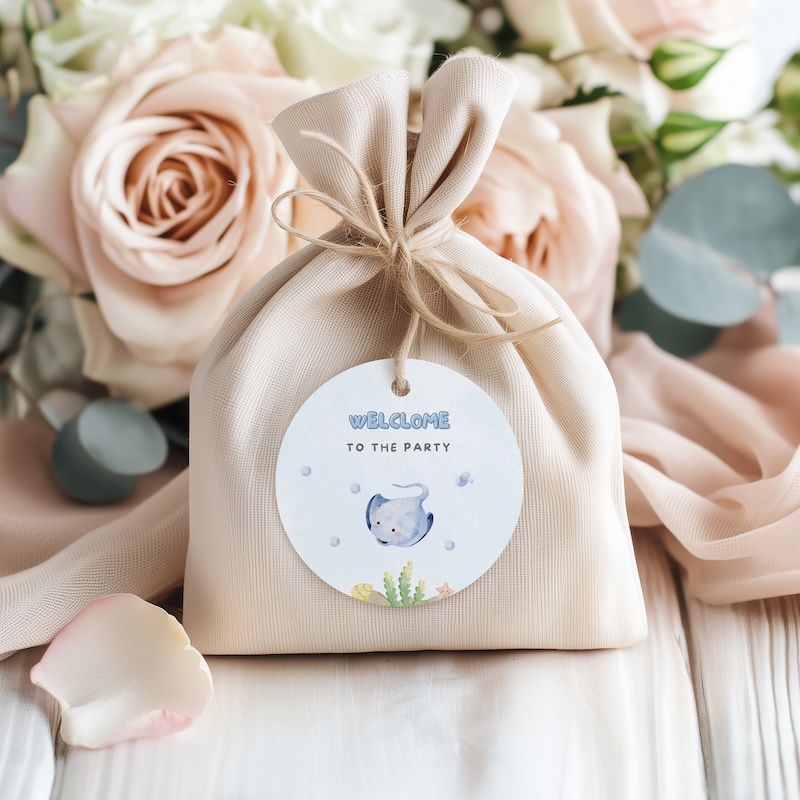
Tiny mistakes
Buyers notice before they trust you
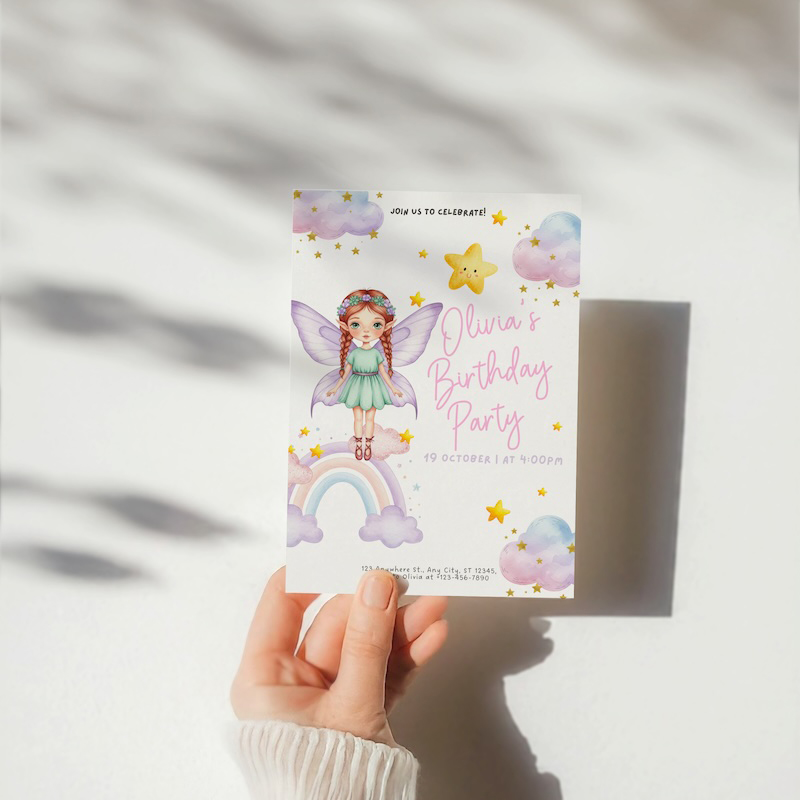
DIY snapshot look
Harsh light and awkward shadows
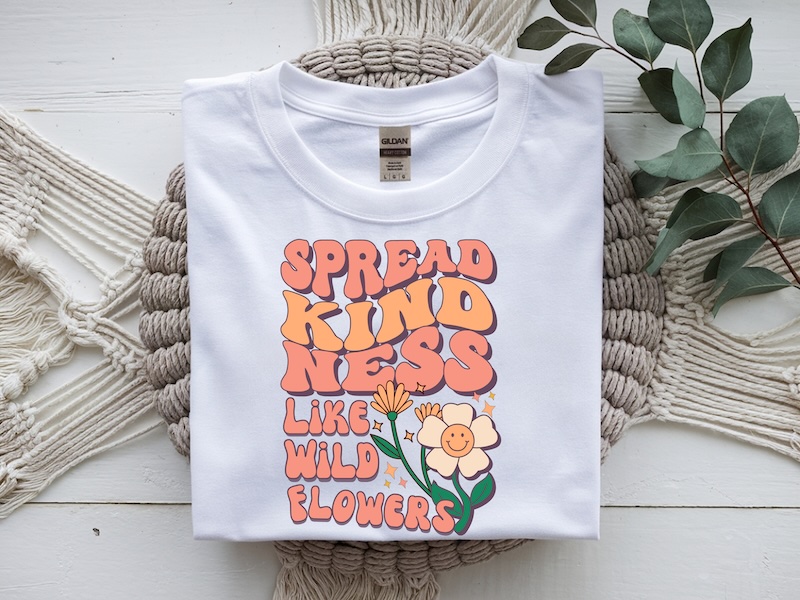
Same flat lay
Looks like every other listing
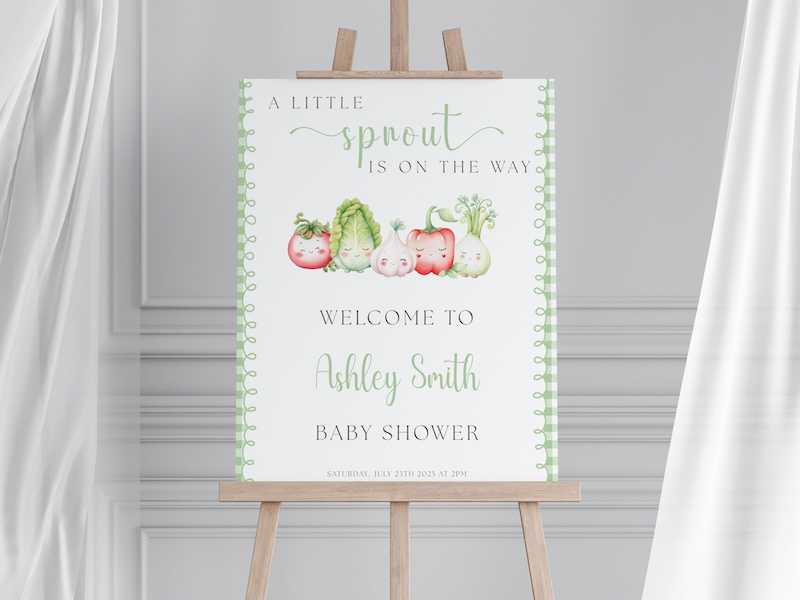
Template energy
Fine, but not scroll-stopping
Let me tell you something that took me a while to really get... Your mockup is not just a pretty picture. It is your shop front. It is the first thing a buyer sees before they even read your title or your price. And if it does not make them stop scrolling... they are gone.
Everyone Buys With Their Eyes ✨
When someone searches on Etsy, they see a grid of images. That is it. No description, no title really showing... just the image.
And here is the thing. People take in pictures way faster than words. So before your SEO title even lands... your mockup already won or lost that click. That is how big this is.
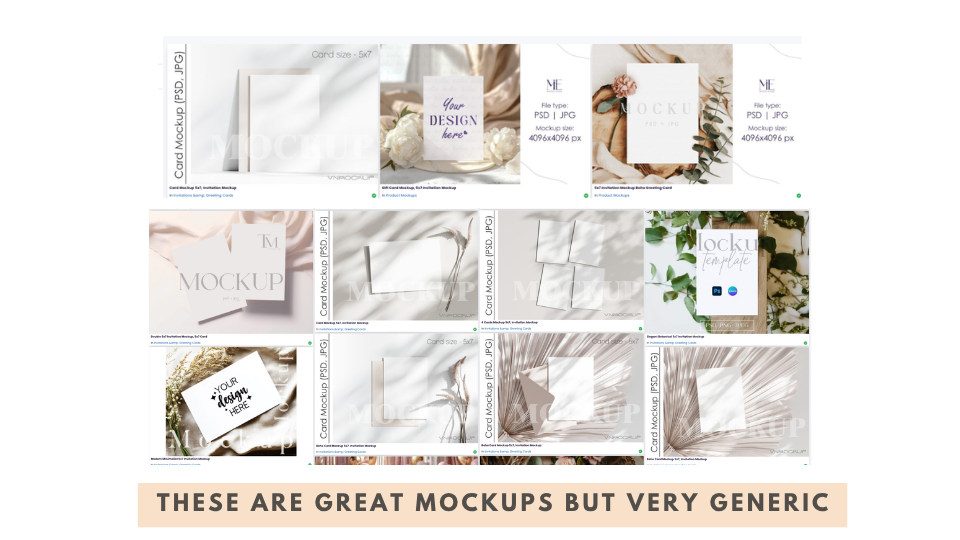
The Problem With Generic Mockups
So many sellers spend money on mockup bundles from Etsy... and then the mockup does not even fit their product size. Or the style is totally different from their design. Or worse... everyone else is using the same one.
When a buyer has seen the same marble table mockup twenty times in a row... they just scroll past. Even if your product is amazing. Your mockup needs to feel fresh. It needs to feel like it really belongs with your design.
What Makes a Really Good Mockup
Here is what I always look for when I create my mockups...
- Good light. Soft and natural. No flash, no harsh shadows. Clean and bright.
- Clear focus. Your product should be easy to see and right in the middle of the scene.
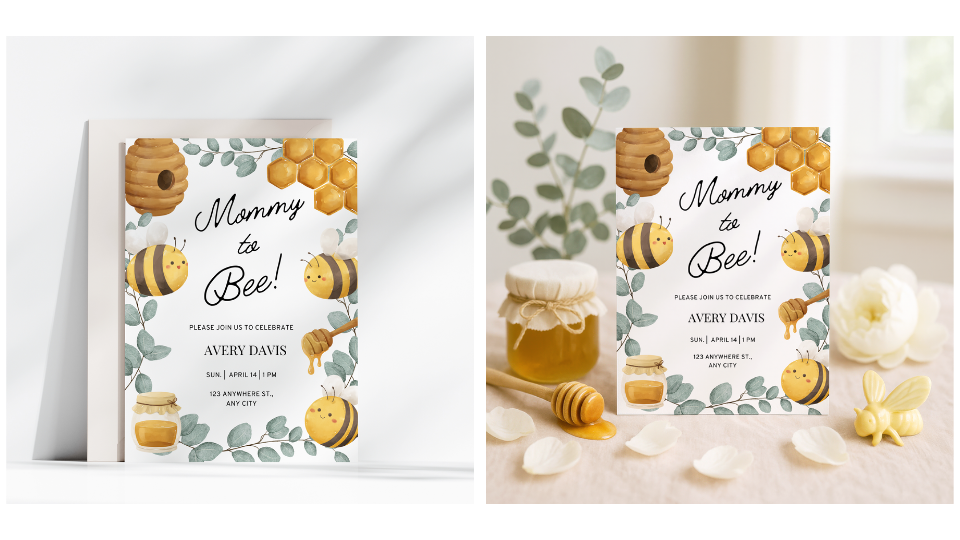
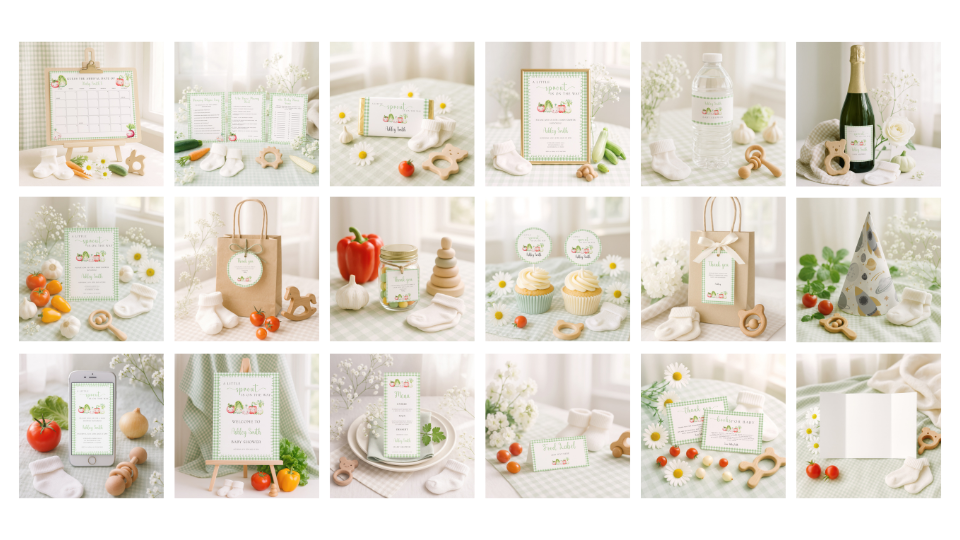
- Matching mood. If you are selling baby shower invites, the vibe should be sweet and soft. If it is a birthday party... fun and playful.
- Matching props. This is the big one. If your invite has strawberries on it... your mockup should have strawberries in the scene. The props should tell the same story as your design.
When everything matches, the buyer can picture it in their real life. Their party. Their table. Their moment. And that... is when they click buy.
How I Create My Mockups Using AI
A few years ago I started using AI for my clipart. And then I thought... wait. Can I do this for mockups too? So I went deep into researching it. Testing it. Messing up sometimes. And figuring out what actually works.
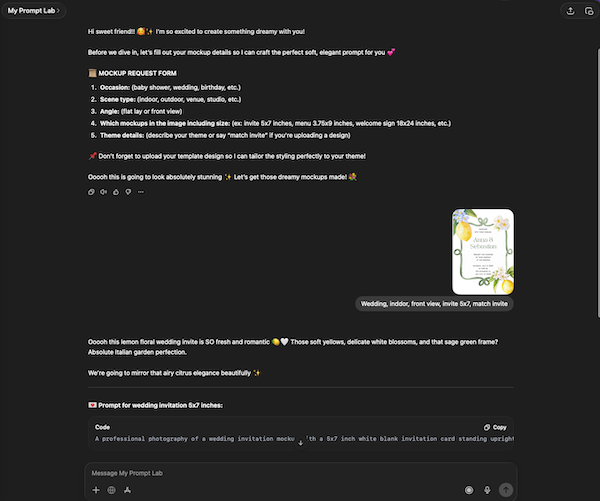
And that is how I built my Prompt Lab Bot. 🎨 It is a custom bot I trained myself inside ChatGPT. You just say hi... it gives you a simple form to fill in. You tell it the occasion, the angle, the type of product, and the theme. And it builds you a ready to use prompt. Done. No stress. No guessing what props to add or how to describe the scene. It just thinks for you.
My Step by Step Mockup Workflow
Here is exactly how I do it every time...
Step 1: Create your printable design first.
Your mockup should match your product so you need the design ready first.
Step 2: Generate your prompt.
Use my bot or write your own. The three things you always need in a prompt are... the product and size, the scene and props, and the mood and vibe.
Step 3: Create the AI image.
I use Sora but there are other tools you can use too. Just paste the prompt in and let it create.
Step 4: Upscale the image.
AI images come out in low resolution. You need to upscale them before you use them. I use Topaz personally but there are free options too.
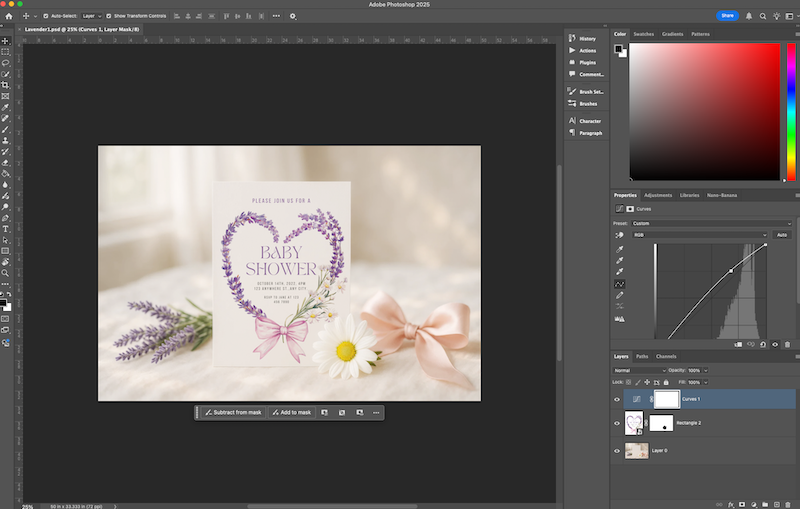
Step 5: Smart object in Photoshop or Photopea.
You draw a rectangle the size of your product... convert it to a smart object... then go to Edit, Transform, Distort and match the corners to the mockup surface. Change the layer to Multiply. Then double click to drop your design inside. Save and done.
And When You Do the Whole Bundle...
Here is what I love most about this. Imagine you have a baby shower printable bundle. Invite, welcome sign, cupcake toppers, gift tags... If all the mockups are in the same style, same colours, same vibe... it looks like a family. It looks professional. It looks like a real brand. Buyers will not just buy one thing. They will buy everything because it all feels like it goes together.
Want to Learn the Full System?
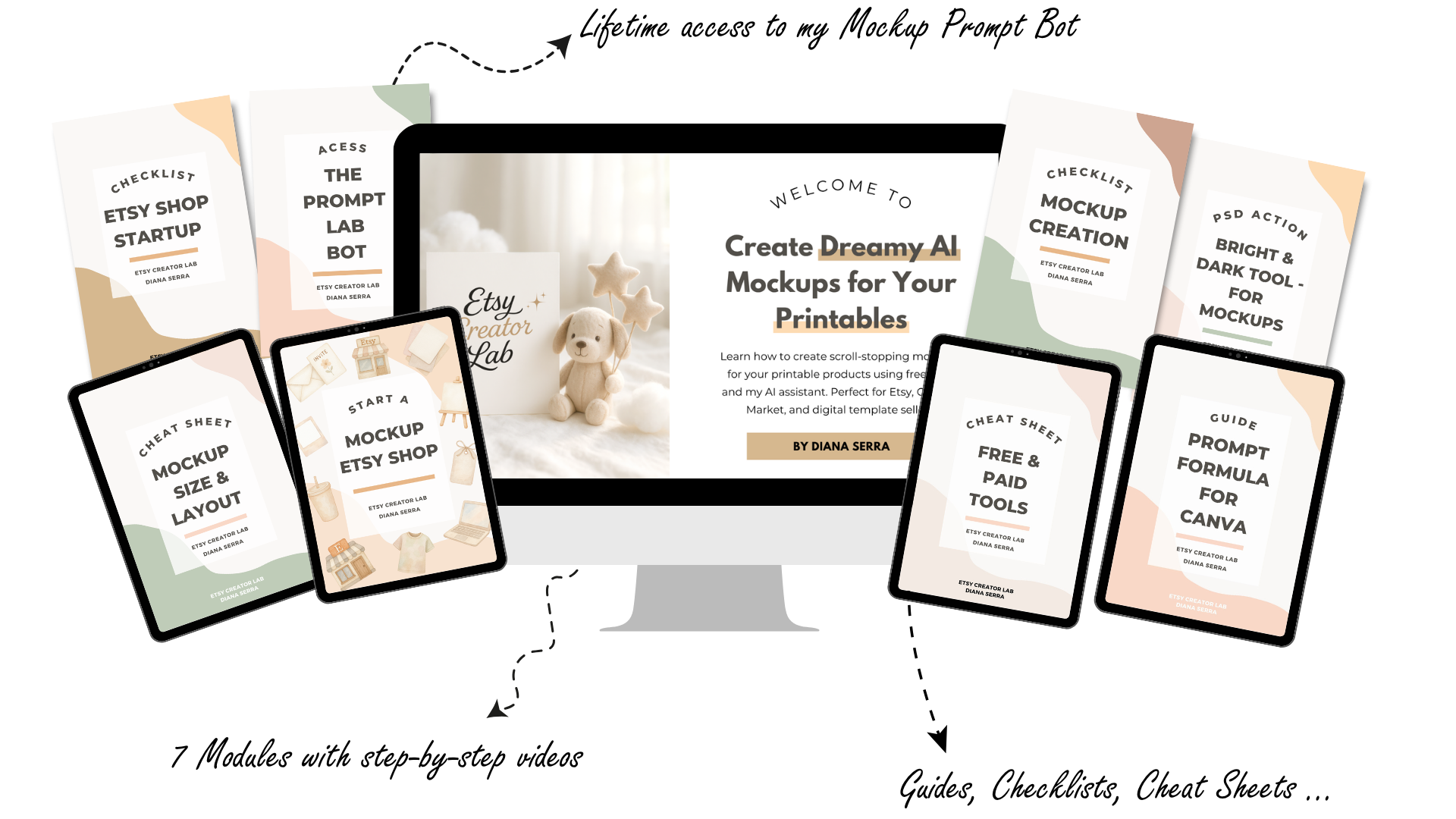
Inside my course I go through this step by step for every type of printable. Invites, welcome signs, wall art, party favours, print on demand stuff... everything. You get my Prompt Lab Bot, cheat sheets, a mockup checklist, and videos you can follow at your own pace. Around three hours of content. No deadlines. Totally self paced. ✨
Dreamy AI Mockups
The full course is valued at $300 but right now it is only $42.
Your Free Gift for Reading Until the End 🎁
As a thank you for being here... I put together ten dreamy mockups you can download and start using in your shop right now.
Ten free 5x7 invite mockups as PSD files in a Google Drive folder.