DianaDesignLab
Product 02 · One-time course

Dreamy AI Mockups

listings that make people stop and buy.

Your photo sells the click. If it is bland, they never click on it.

  • Dreamy on-brand mockups with AI
  • Free tools you already have (no studio spend)
  • Works for any product you list
Prompt Lab Bot: I trained it to write your prompts.

One-time payment · Lifetime access · Start right away

Let me be honest with you

Your product is good. Your pictures might be the weak part.

I see this all the time. You can fix it.

  • When your mockup looks like everyone else's, people scroll past. They do not stop.
  • Buyers pick fast. Soft dreamy photos that match your brand get the click. Flat boring ones do not.
  • You do not need a studio or a big budget. A clear plan and good prompts help a lot.
This course is the solution for that.

Before the course

Mockups that make buyers scroll past

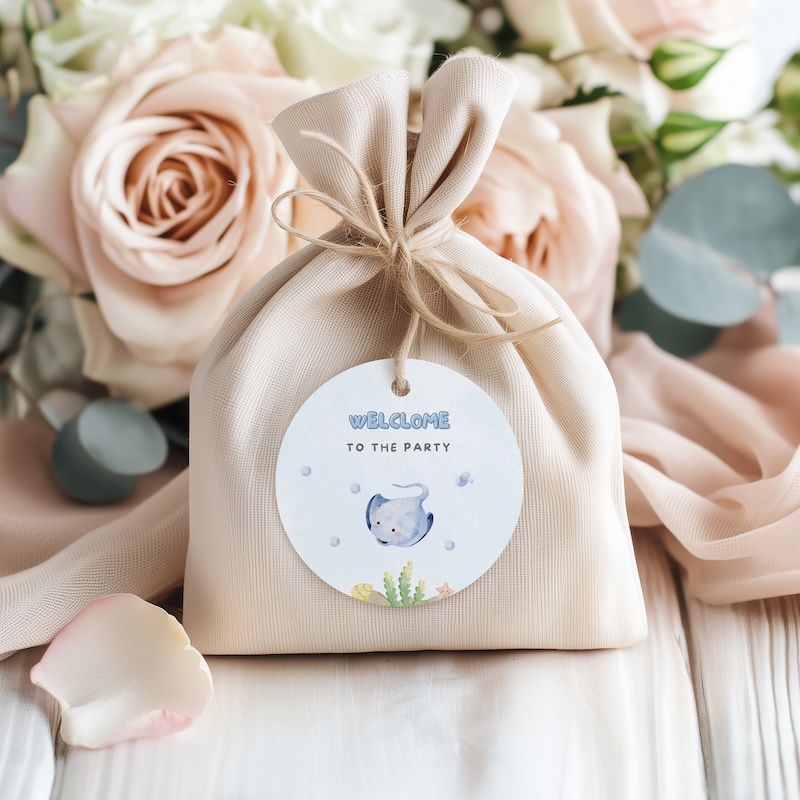
Overexposed favor bag mockup with a visible typo on the tag

Tiny mistakes

Buyers notice before they trust you
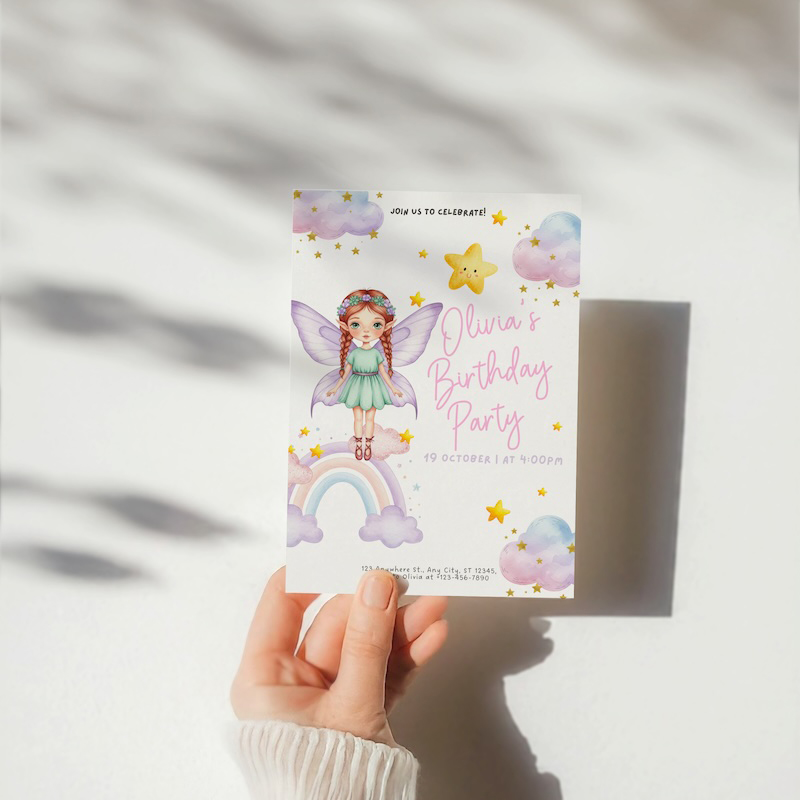
Party invite photographed by hand against a wall with a hard shadow

DIY snapshot look

Harsh light and awkward shadows
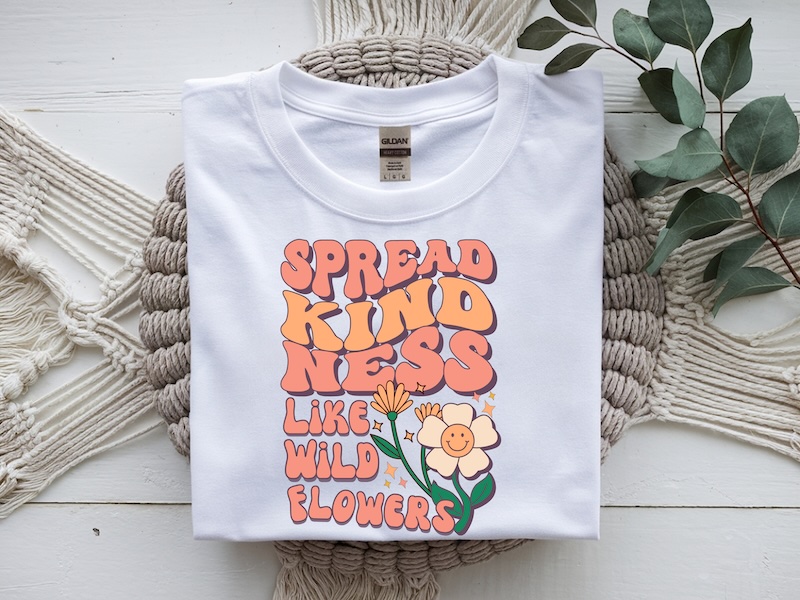
T-shirt mockup on a macramé mat from directly above

Same flat lay

Looks like every other listing
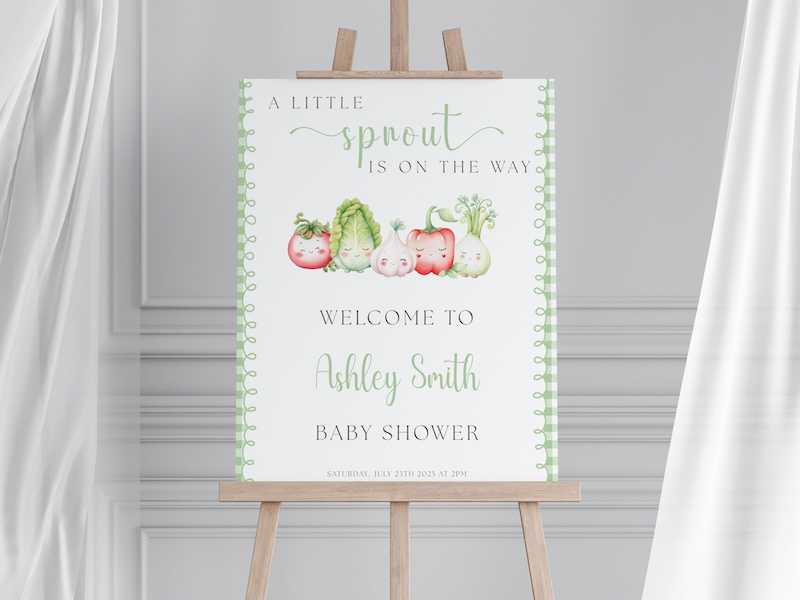
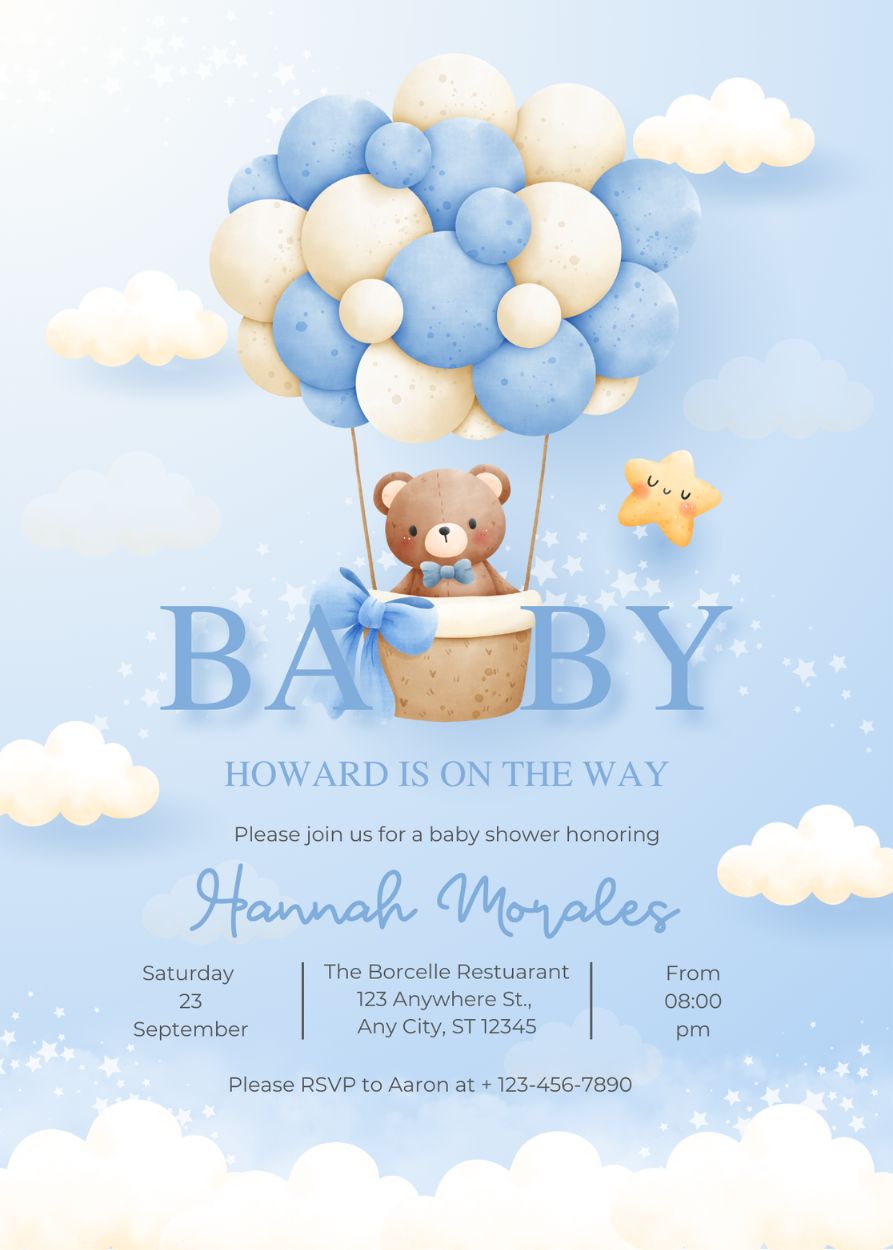
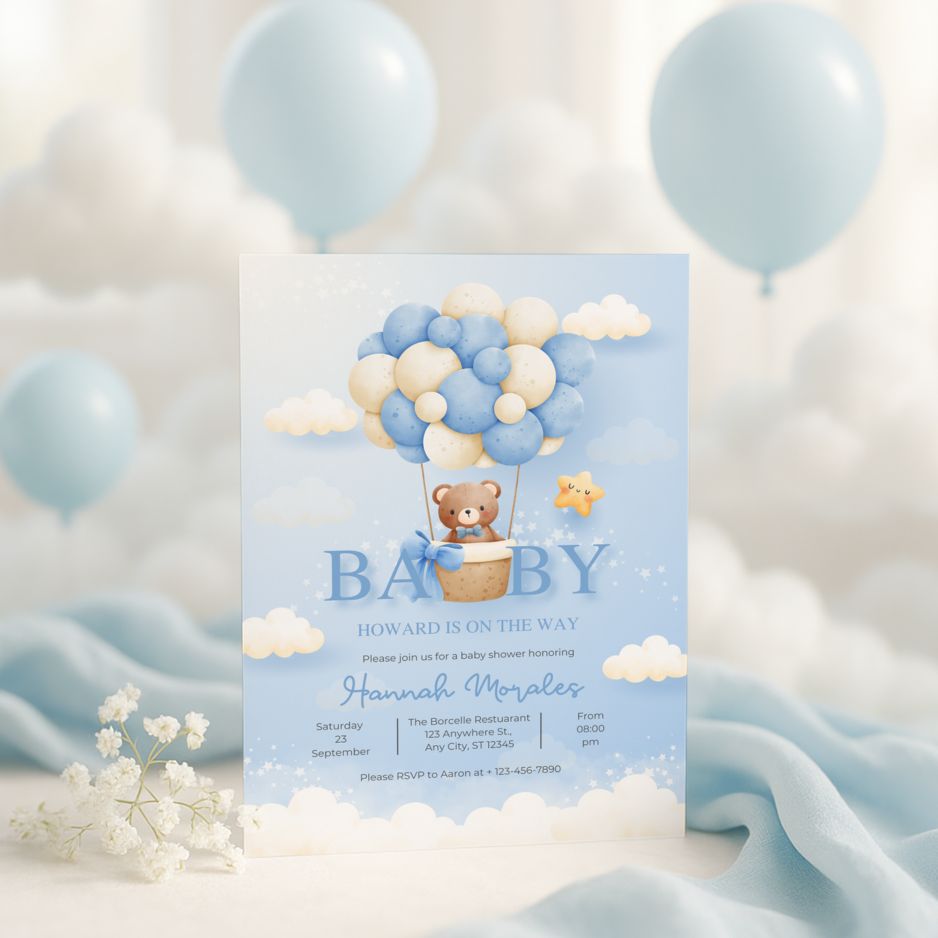
Baby shower welcome sign on an easel in a plain studio setup

Template energy

Fine, but not scroll-stopping

Watch the workshop

See how dreamy mockups can change the way your listings feel.

Free workshop
Dreamy AI Mockups
Loom
The curriculum

7 modules and a bonus class. About 3 hours total.

Self-paced video. Follow on screen, replay anytime. No design background needed.

  • Every step shown
  • Pause & rewatch
  • Nothing skipped
📘

M01

Why Your Mockups Are Costing You Sales

Why your listing photo matters first, what makes buyers stop scrolling, and how the same stock mockups everyone uses quietly hurt your listings.

M02

The Blueprint: How I Create Mockups With AI

From AI scene to finished mockup, with the full process on screen. Meet the Prompt Lab Bot: prompts written for you so you never face a blank box.

✉️

M03

Stationery Mockups From Start to Finish

A full 17-product bundle built live: invitations, tags, menus, gifts, and more, with prompts, scenes, and one cohesive look.

🛍️

M04

POD Mockups That Look Like a Real Brand

Shirts, mugs, tumblers, wall art, and the rest. Scenes that feel designed, not copy-paste, so your shop stands out.

🎨

M05

Editing and Styling Your Mockup Photos

Upscale, fix light and colour, clean AI quirks, and add soft texture. This is the polish that takes mockups from fine to genuinely dreamy.

🖼️

M06

Placing Your Design Into the Mockup

Smart objects step by step in Photoshop and free Photopea, from beginner to advanced, plus a POD-focused walkthrough.

🎉

M07

Party Mockups in Canva

No Photoshop required: a fast, repeatable Canva workflow for party printables you can reuse for any theme.

🎁

BONUS

Bonus: Open Your Own Mockup Shop

Bundle, price, and list mockups on Etsy or your site. It is the same playbook students have used to launch real mockup shops.

Plus 10 extra bonus video classes

Extra walkthroughs for more product types, themes, and shop ideas, alongside the core path.

From design to listing

The mockup workflow in four beats

This is the same path I walk through in the course — design first, then prompts, then AI scenes, then a real smart-object mockup you can reuse.
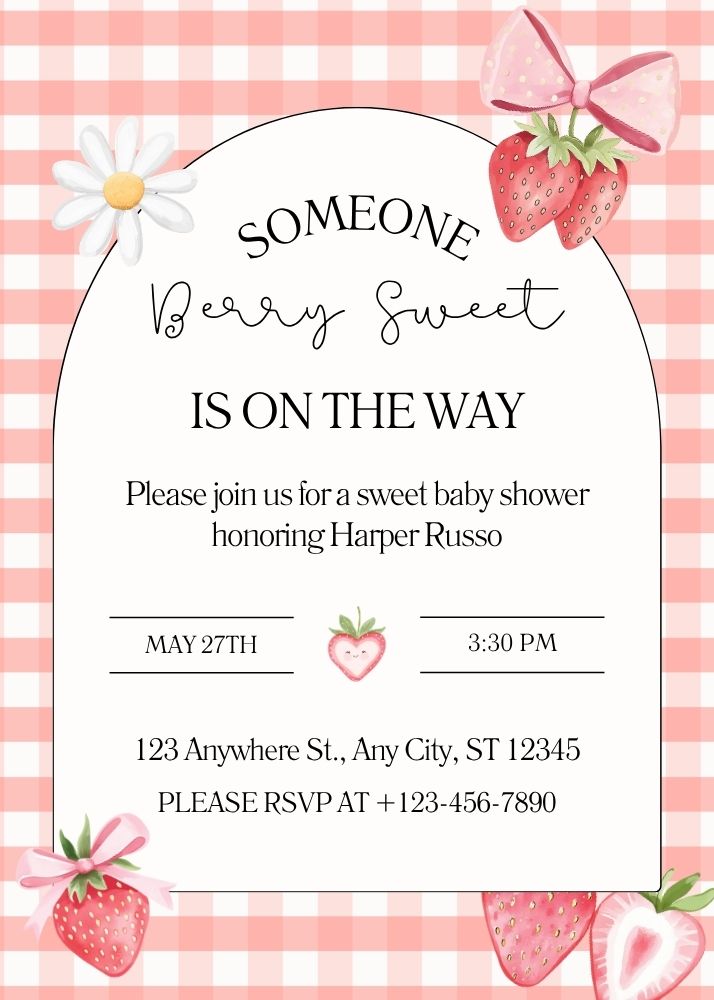
Finished 5×7 baby shower invitation design with berry illustrations and gingham pattern
1Create your design
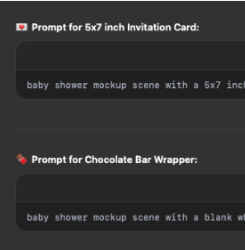
2Create the prompt
Prompt Lab Bot interface showing tailored mockup prompts for invitation and wrapper products
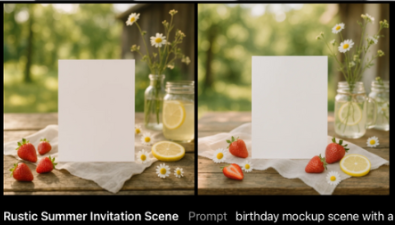
Two AI-generated rustic summer invitation mockup scenes with a blank vertical card
3Create mockup images with AI
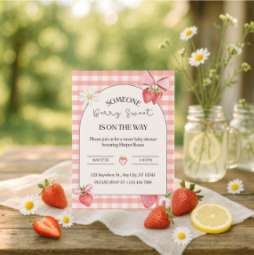
4Create Smart Object
Final listing photo with the invitation design placed on the outdoor mockup scene
Bonus classes included

Extra mockup lessons for the products your shop actually sells.

You also get these focused bonus classes with step-by-step tutorials, prompt tips and real examples you can use for your own listings.

Junk Journal Mockup example
Bonus 1

Junk Journal Mockup

Suite Printables Mockup example
Bonus 2

Suite Printables Mockup

Wall Art Mockup example
Bonus 3

Wall Art Mockup

Stickers Mockup example
Bonus 4

Stickers Mockup

Envelope Liners Mockup example
Bonus 5

Envelope Liners Mockup

Placemat Mockup example
Bonus 6

Placemat Mockup

Booklet Mockup example
Bonus 7

Booklet Mockup

Christmas Mockups example
Bonus 8

Christmas Mockups

Handmade Products Mockup example
Bonus 9

Handmade Products Mockup

Suite POD Mockup example
Bonus 10

Suite POD Mockup

All bonus lessons come with step-by-step tutorials, prompt tips and real examples, so you can build a more complete mockup library faster.

The Prompt Lab Bot

Your own AI assistant, trained by me specifically for mockup creation.

Say what you want, get a paste-ready prompt. No blank-box panic.
  • Students lean on this daily: describe the scene, Bot writes the prompt.
  • Trained on mockup vocabulary, style refs, and what actually renders well.
  • Tailored prompts for your vibe and your products, just for you, so the Bot writes lines that fit your design.
Lifetime access: included with your course. No separate subscription, no upsell.
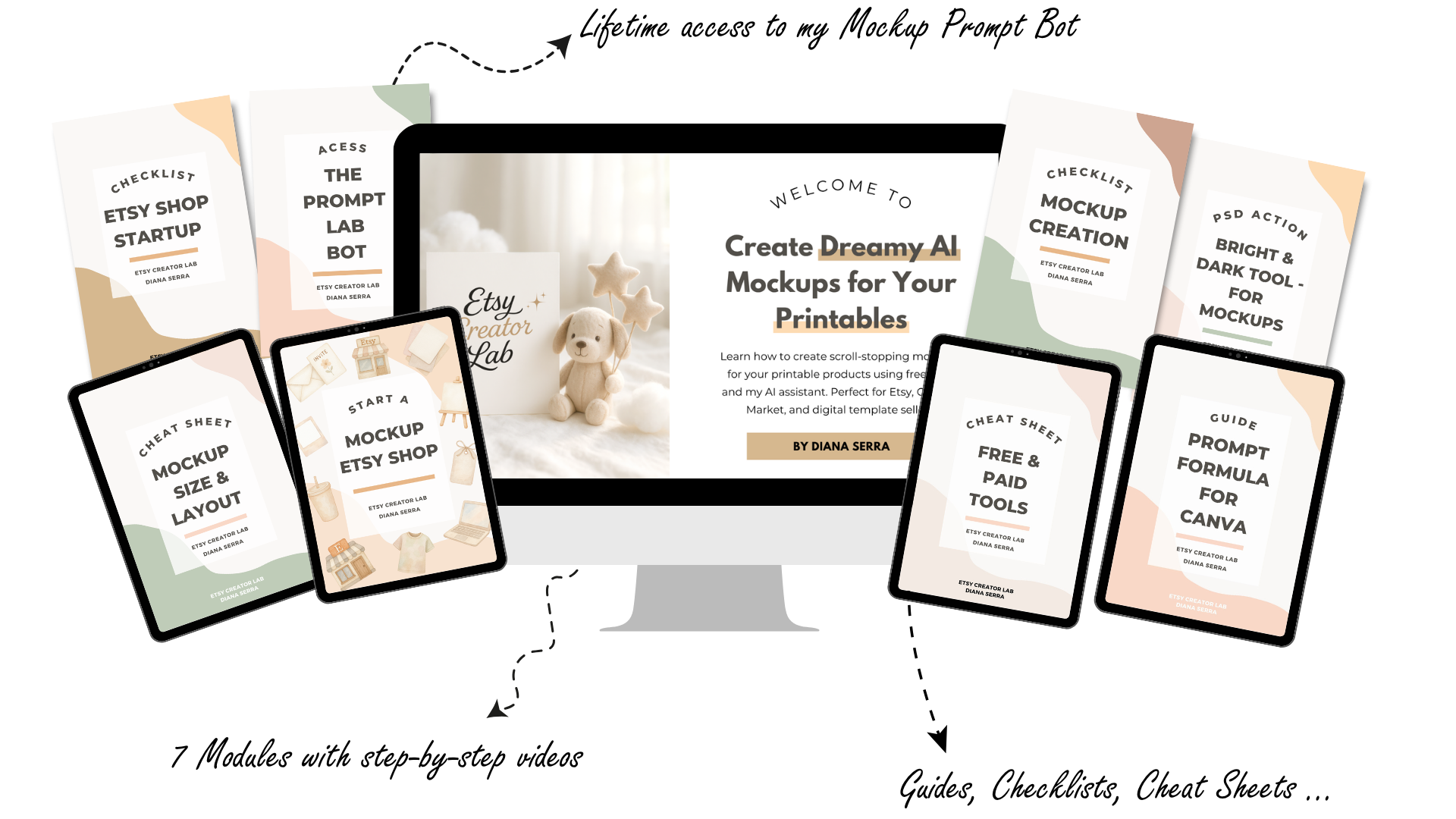
Dreamy AI Mockups course bundle: welcome screen, Prompt Lab Bot access, modules, guides and cheat sheets
The full kit

Everything you need is in the box.

The course, your AI prompt bot, workbooks, cheat sheets and editing assets. One payment, you own all of it forever and get any future updates I add at no extra cost.

Get everything for $47
  • Full AI Mockup Course7 modules at your own pace, watch as many times as you want, forever
  • Prompt Lab BotYour AI assistant trained by me that writes your mockup prompts for you
  • Mockup Size and Layout Cheat SheetEvery common product size and layout you will ever need, all in one place
  • Canva Prompt Formula GuideCopy and paste prompt formulas built specifically for the Canva workflow
  • Free and Paid Tools Cheat SheetI always show you a free option and a paid option so you can choose what works for you
  • Mockup Creation ChecklistGo through this before every batch so you never miss a step or upload something that is not right
  • Bright and Dark PSD ActionOne click polish tool to make your mockup photos look clean and professional
  • Mockup Etsy Shop WorkbookStep by step startup guide with checklist for anyone who wants to sell their mockups as a product
  • 10 bonus video classesJunk journals, stickers, wall art, POD suites, envelope liners and more, all with full tutorials
Student love

My students are already loving the course and the bot.

Real feedback from creators learning with me, building better visuals and getting more confident about their shops.

5.0★
From members and Etsy buyers
Limited-time discount
$47$87Save $40

pay once, keep it forever.

You pay once, you get the full course, the Bot, all the workbooks and all future updates. The usual price is $87, but right now you can join for $47.

Everything you get

Full AI Mockup Course (7 modules and 10 bonus classes)
Prompt Lab Bot with lifetime access
Mockup size and layout cheat sheet
Canva prompt formula guide
Free and paid tools cheat sheet
Mockup creation checklist
Bright and Dark PSD Action tool
Mockup Etsy shop startup workbook
All future updates at no extra cost
Get instant access for $47

Lifetime access · No subscription · Login arrives in your inbox right after checkout

Questions answered

Got questions? Here are simple answers.

Do I need Photoshop or any paid software?

Not at all! Every time I use a paid tool in the course, I also show you a free way to do it. Photopea is completely free and feels almost the same as Photoshop. I never assume you have anything paid.

I am just starting out. Is this going to go over my head?

This is honestly made for you. I built it with complete beginners in mind. I show every single click on screen and explain things in a simple, relaxed way.

How long will it take to go through the course?

The main seven modules are around three hours together. Then there are bonus classes on top if you want them. You can go at whatever pace feels good and revisit any lesson as many times as you like. There is no rush at all.

Can I actually sell the mockups I make in the course?

Yes, absolutely! I actually included a whole bonus class on how to do exactly that. You can bundle up your mockups and sell them as a product on Etsy. Some students have already opened their own mockup shops from this course, which I love to see.

What if I only sell one type of product, like just party printables?

That is totally fine. The skills you learn work for any product and I go deeper into stationery and party printables in one of the modules. Even if a module does not match your niche right now, you can always skip it and come back later when you need it.

When do I get access and how long do I keep it?

You get access straight after checkout and an email lands with your login details so you can start right away. It is yours forever. One payment and you keep everything, including anything I add in the future.

Diana at her desk with a laptop in a bright, creative workspace

Hi, I'm Diana.

I am the designer behind DianaDesignLab and I have sold over 33,000 digital products on Etsy. One of the biggest things I learned early on is that visuals do the selling. I could have the best clipart in my niche but if my listing photos looked like everyone else's, buyers just kept scrolling.

Once I figured out how to create mockups that actually matched my brand and my products, my conversion rate changed. I built this course because I wanted to show you exactly what I figured out, step by step, without any of the guesswork I went through.

I am also a bit obsessed with making things accessible. Every step has a free tool option. Nothing in this course requires an expensive subscription. You genuinely just need a computer and the willingness to follow along.

I am so excited for you to see what your shop can look like on the other side of this.

Your mockups should be working as hard as your designs.

One payment. Lifetime access. Start watching today.